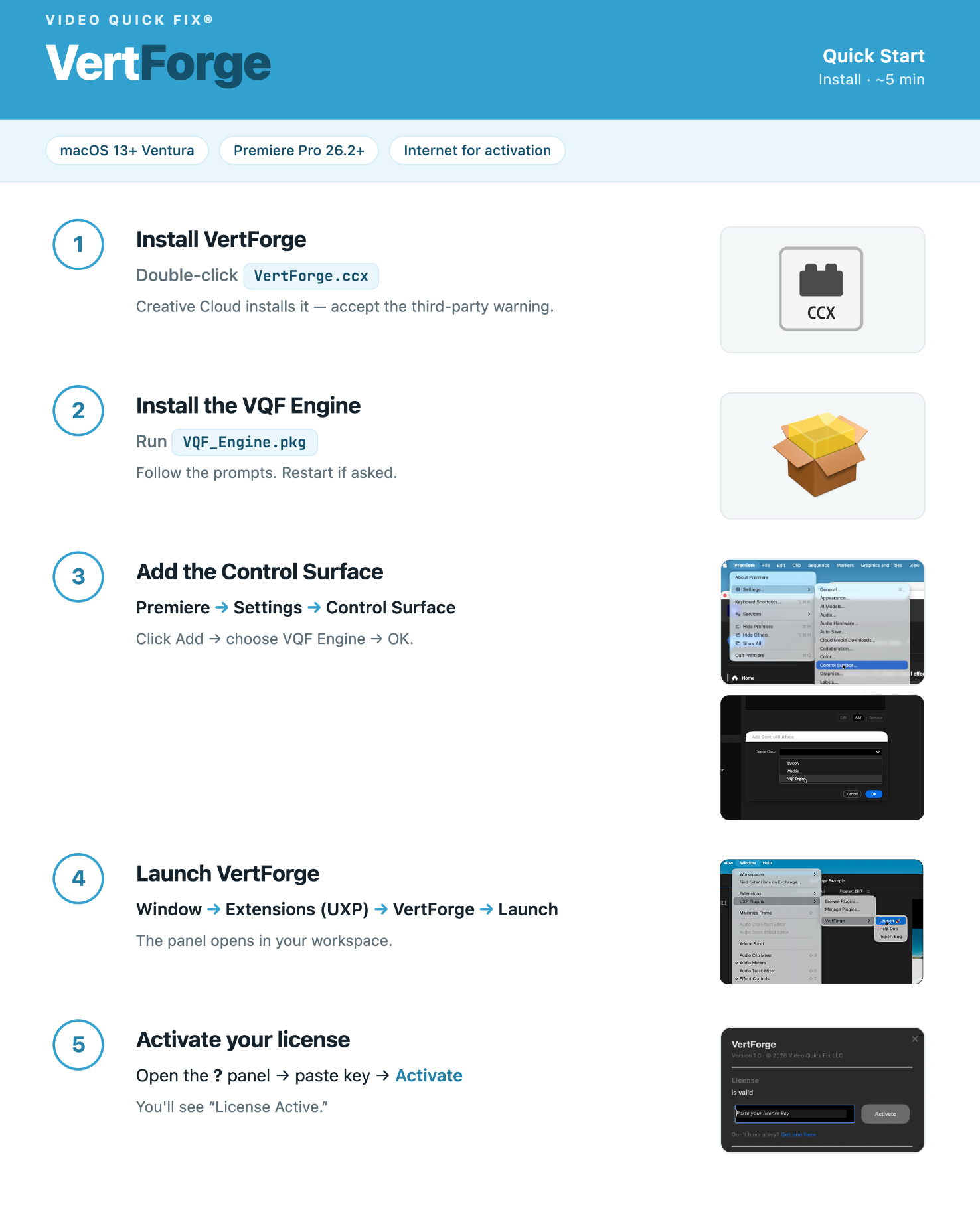
A software installation tutorial webpage with numbered steps. Step 1 shows a file named VertForge.ccx and a gray icon labeled CCX. Step 2 shows a package file named VQF_Engine.pkg and an open brown box with a yellow object inside. Step 3 displays a computer screen with a dropdown menu for adding a control surface in Adobe Premiere. Step 4 shows a window for launching VertForge from the Extensions menu. Step 5 displays a screen for activating a license with a field to paste a license key.