
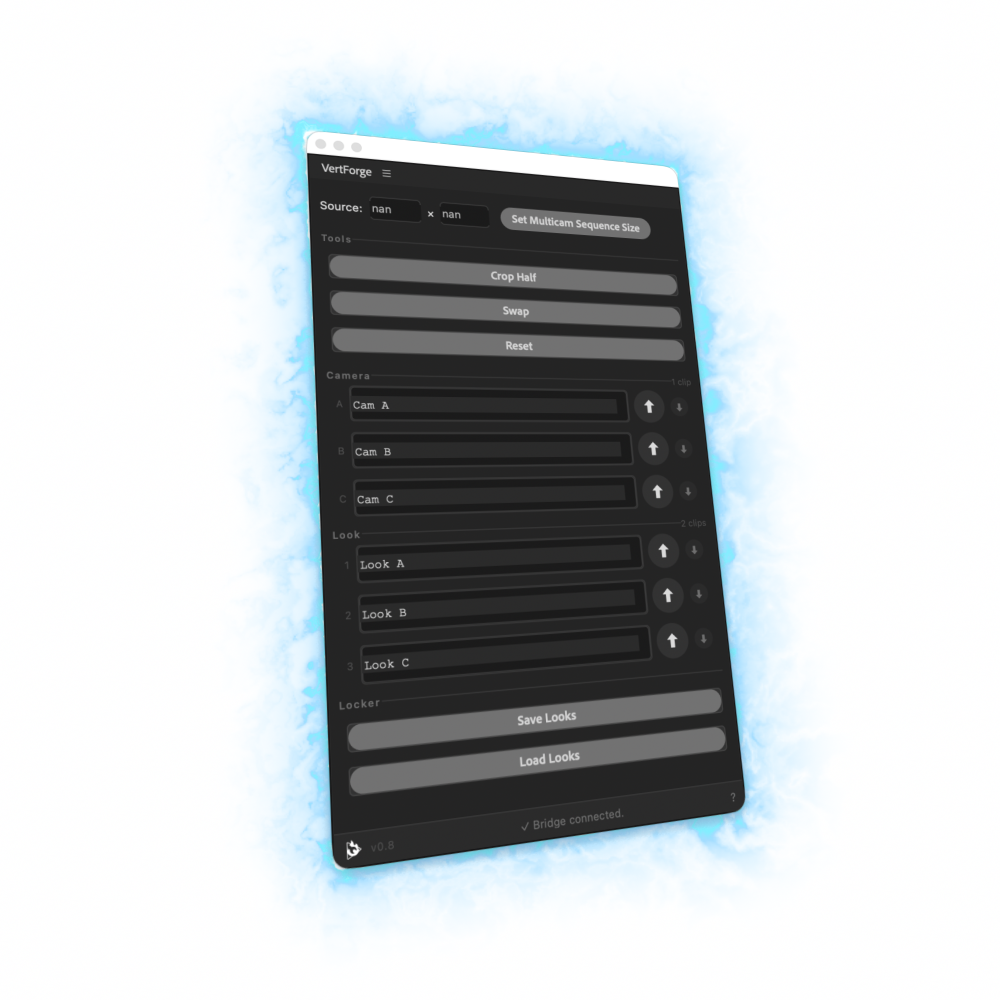
VertForge™
Stop rebuilding the same vertical layout.
Store, apply, swap, and reset framing layouts right inside Premiere Pro — so you spend less time reframing and more time editing.
Free BETA key for 60 days. Just your email — no card required.
For macOS 13+ • Premiere Pro 26.2 or later
Built by a working editor, for working editors.
Three ways VertForge speeds up vertical edits.
Crop with precision, swap layouts, and save your framing decisions.
Feature 01
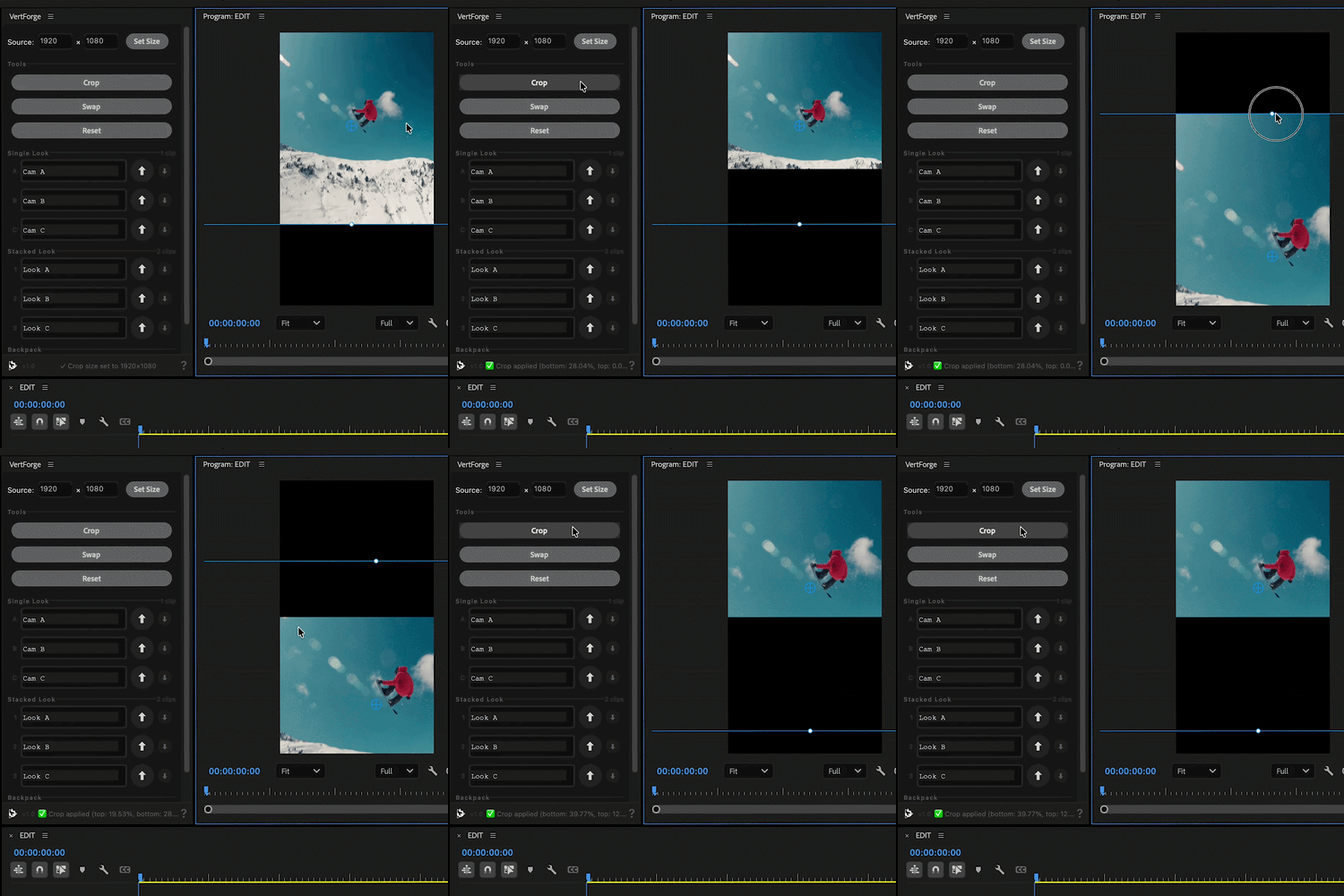
Crop With Precision
Create clean vertical crops that snap into place, so stacked layouts line up without nudging or guessing.
Feature 02
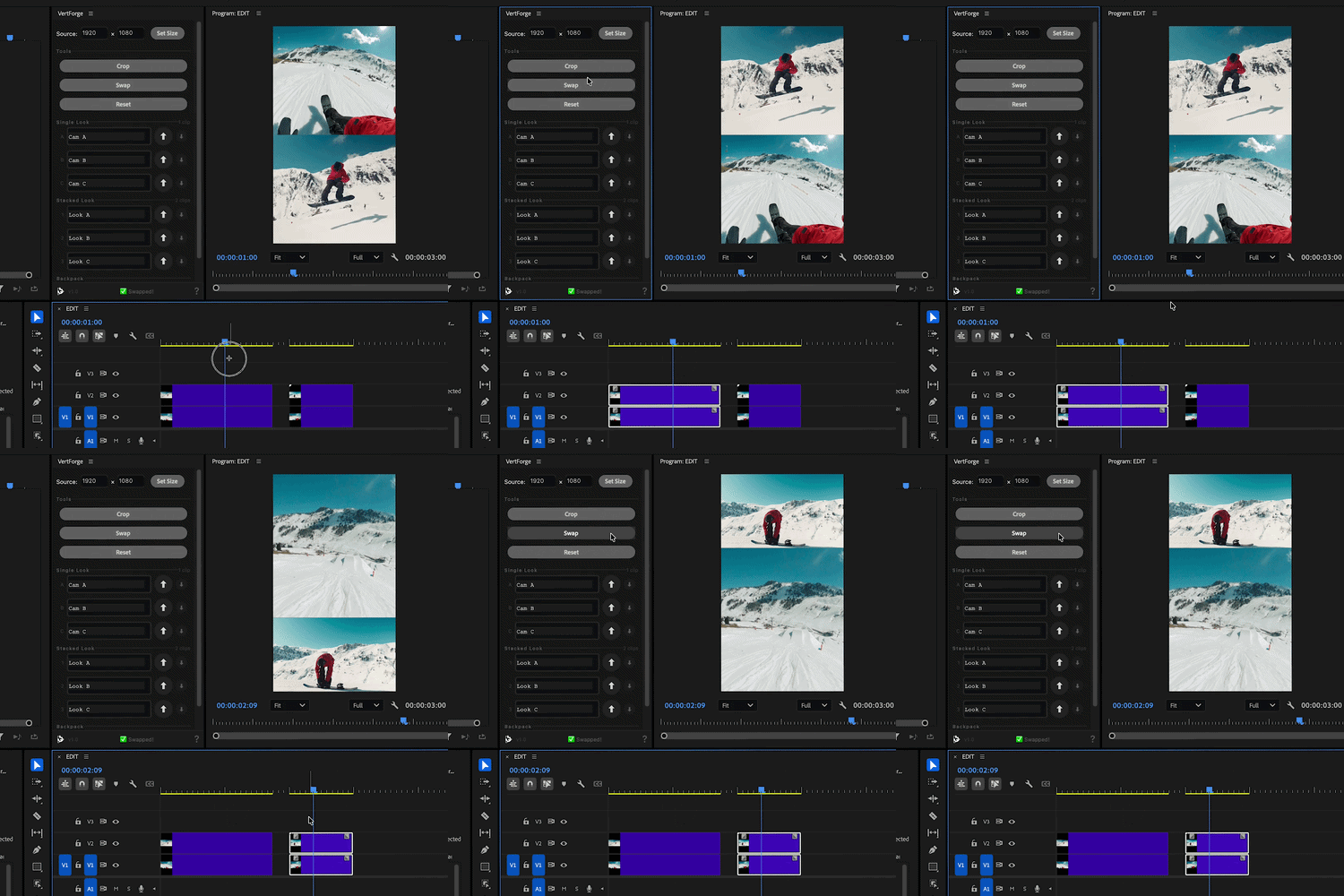
Swap Layouts Fast
Move between saved looks in seconds while keeping your framing consistent from one layout to the next.
Feature 03
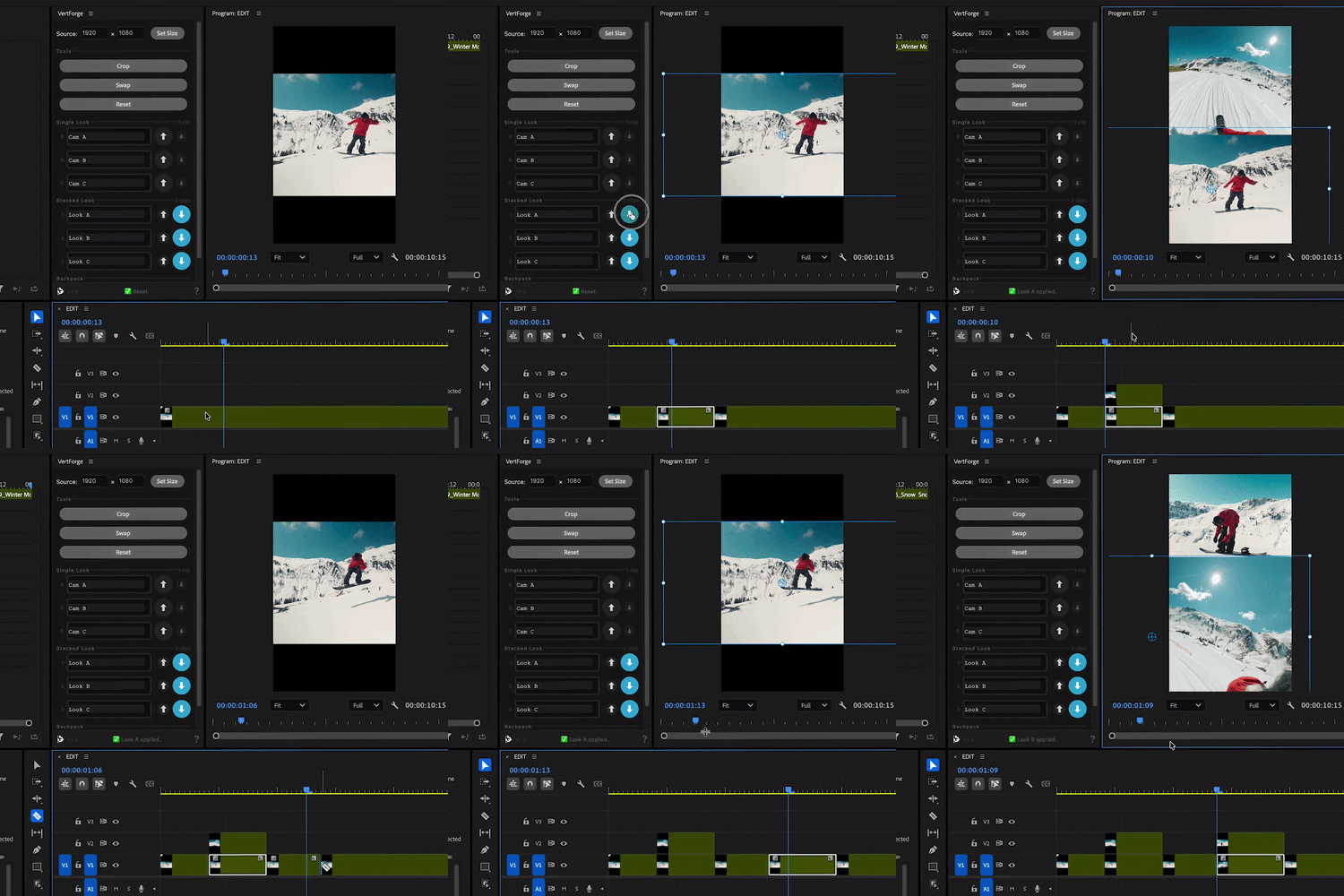
Store & Apply Framing Setups
Save a framing setup once, then apply it instantly across clips without rebuilding the same crop again and again.
See VertForge in Action
Watch how quickly vertical layouts can be built, stored, applied, and adjusted directly inside Premiere Pro.
Forged for editors who are tired of rebuilding the same vertical stacked looks.
Instant
Save time on every edit
Save anywhere from 2–30 seconds every time you use a VertForge feature.
Exact
Precision without guesswork
Enter the source size and crop exactly where you intended — every time.
Repeatable
Consistency across projects
Save layouts for future projects and maintain a consistent look across podcasts, shows, and brand content.
Try VertForge BETA for Free
Enter your email and we’ll send your download plus a 60-day license — no card required.
- Full access for 60 days, completely free
- Build, store, apply, and swap vertical layouts in Premiere Pro
- Provide feedback and earn more useage